Best AI Tools for Wedding Photographers in 2026 (Full Workflow Guide)

Author
Ravi Prajapati
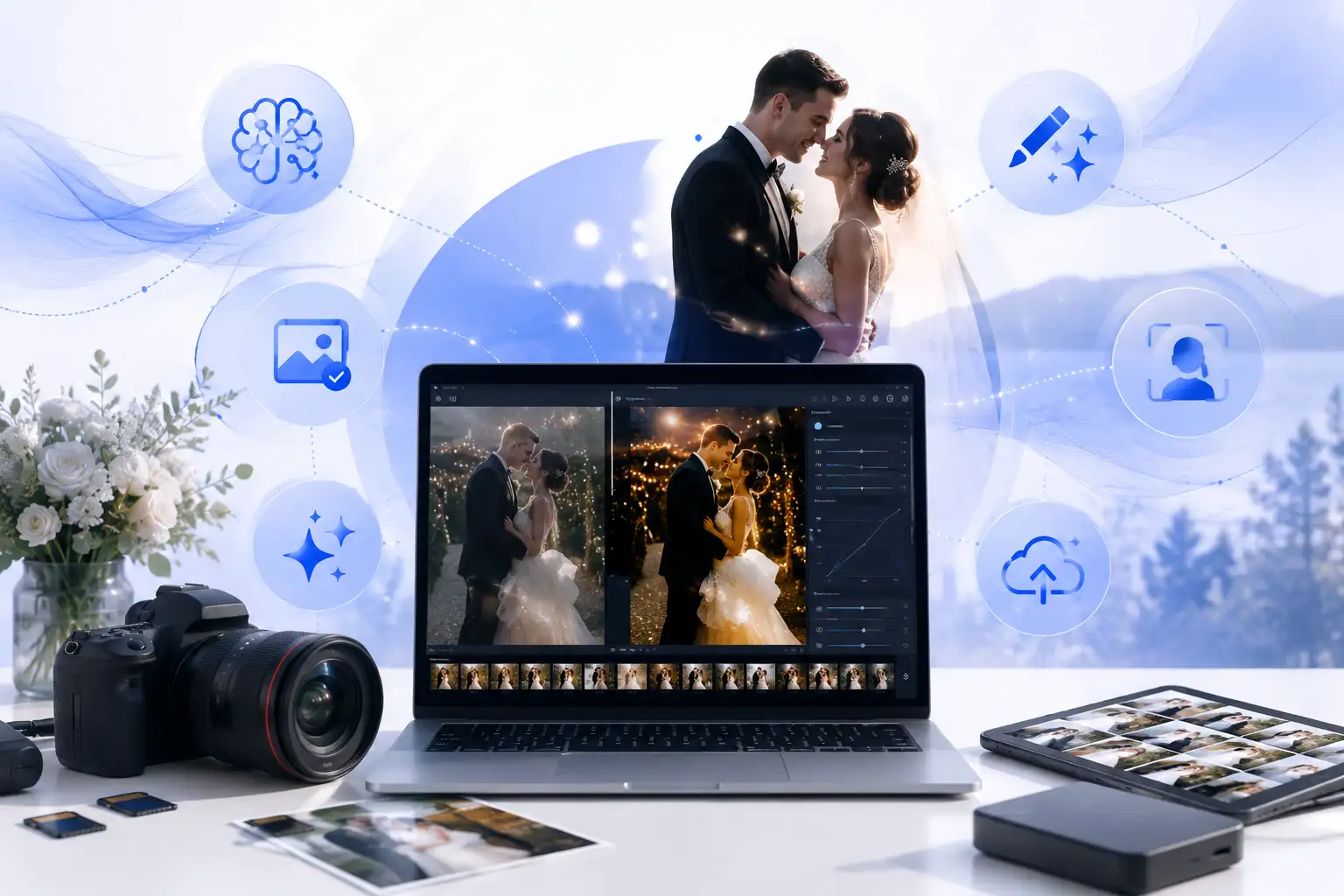
Discover the best AI tools for wedding photographers in 2026, from culling and editing to retouching and delivery, and cut your post-production time in half.
Quick Overview
A single wedding shoot produces 2,500 to 4,000 RAW images on average, and photographers typically spend 10 to 15 hours editing just one wedding.
AI culling tools like Aftershoot and Imagen can cut that first-pass selection time by 50 to 90 percent.
Around 74 percent of photographers are already using or planning to use AI tools in their workflow, and 62 percent still run Adobe Lightroom as their central hub.
The most efficient 2026 wedding workflow uses a stack, not a single app: one tool for culling, one for editing, one for finishing touches, and one for gallery delivery.
Below, we break down the best AI tool for every stage of a wedding photography workflow, along with pricing style, who each one suits, and how to combine them.
If you shoot weddings for a living, you already know the real job doesn't end when the couple walks back down the aisle. It starts the next morning, when you're staring at a memory card holding thousands of nearly identical frames of the same toast, the same first dance, the same walk down the aisle from four different angles. Editing a single wedding can eat up an entire week, and that's before you've booked the next one.
This is exactly the gap AI has closed over the last two years. What used to be a purely manual grind, sorting through RAW files, matching skin tones across a reception with three different lighting setups, and retouching hundreds of portraits one by one, can now be handled in a fraction of the time without losing your creative signature. The tools have also gotten smarter about not making every photographer's gallery look the same, which was the biggest early complaint about automated editing.
In this guide, we'll walk through the best AI tools for wedding photographers in 2026, organized by where they fit in your actual workflow: culling, editing, retouching, low-light rescue, and client delivery. We'll also help you figure out which combination makes sense depending on how many weddings you shoot a year and how hands-on you want to stay with the final look.
Why Wedding Photographers Need an AI Workflow in 2026
Wedding photography is uniquely punishing on an editing workflow. A single day moves through bright outdoor prep shots, a dim ceremony venue, harsh reception lighting, and a dance floor lit by nothing but a DJ booth, and every one of those environments needs a different exposure and color approach. Multiply that by thousands of frames and you get why post-production, not the shoot itself, is usually the real bottleneck in a photographer's business.
According to Dataconomy's 2026 breakdown of wedding culling software, professional wedding photographers spend an average of 10 to 15 hours on post-production for a single event, and a large share of that time goes into the initial culling stage alone. That same research found that AI culling tools are cutting that time by 50 to 80 percent, turning an 8-hour manual cull into something closer to 15 minutes of review.
The shift isn't a niche trend anymore either. Industry adoption is high enough that AI is quickly becoming a baseline expectation rather than a competitive edge, and most working photographers are building it into their pipeline in some form.
The Wedding Photography AI Workflow, Stage by Stage
Rather than looking for one app that does everything, the most efficient wedding photographers in 2026 build a small stack, with each tool handling one stage really well. Here's how that breaks down.
Stage 1: Culling (Sorting the Keepers from the Rejects)
Culling is where AI pays for itself the fastest. Instead of manually clicking through thousands of near-duplicate frames looking for closed eyes, blur, and awkward expressions, AI culling software does the first pass for you.
Aftershoot is the most established name here. It scans a folder of RAW files, flags sharpness issues, closed eyes, and duplicates, then groups similar frames so you only have to compare the best two or three from each burst. Much of its processing runs locally, which appeals to photographers who prefer to keep files off the cloud. It's best suited to photographers who want a dedicated culling tool separate from their editor.
Imagen's Culling Studio takes a slightly different approach. It's built into the same platform as Imagen's AI editor, so your culled selects flow directly into a personalized editing profile without switching apps. Modern AI culling tools, including Imagen's, are hitting over 98 percent accuracy on technical flaws like closed eyes and soft focus, according to Dataconomy's tool comparison, which makes it realistic to trust the automated first pass rather than double-checking every rejected frame.
Narrative Select is a lighter option worth knowing if you'd rather stay more hands-on. It's less aggressive about automatic rejection, so it suits photographers who want AI to organize and rank rather than decide for them.
Stage 2: Editing and Color Grading
Once you've got your keepers, the next challenge is making thousands of images look consistent when they were shot across wildly different lighting conditions throughout one day.
Imagen AI has become the go-to name for this stage because it doesn't apply a generic filter. It builds a Personal AI Profile trained on your own past edits, then analyzes each photo's exposure, white balance, and color temperature individually before adjusting it to match your style. It runs as a desktop app that plugs into Lightroom Classic, Lightroom, Photoshop, and Bridge, while the heavy processing happens in the cloud so it doesn't slow down your machine during a large export.
Adobe Lightroom remains the backbone most photographers build around, even with AI tools layered on top. Its AI masking automatically detects people, skies, backgrounds, and objects, which makes batch adjustments and preset syncing across a full gallery far faster than manual masking ever was. Its Denoise and Lens Blur tools are also genuinely useful for rescuing shots from a dim reception hall or an underlit ceremony.
Luminar Neo is worth having on hand for hero shots rather than a whole gallery. Its Sky AI can swap a flat, grey sky for something more dramatic, its Portrait Bokeh AI creates a clean blurred background, and its Relight tool lets you reposition and recolor light sources after the fact. It's less efficient for batch-processing thousands of frames but excellent for the handful of portraits that end up in the couple's album cover or their favorite wall print.
Capture One tends to be the choice for studio-based photographers who shoot tethered and care deeply about color accuracy. Its Smart Adjustments feature helps match exposure and white balance across a series of images to a single reference shot.
Stage 3: Retouching
Retouching is where you want precision, not full automation, especially on close-up bridal portraits where authenticity matters.
Evoto has built a strong reputation specifically for portrait retouching at wedding volume, handling skin smoothing, teeth whitening, and minor blemish removal without the plastic, over-smoothed look that gives away heavy-handed AI editing.
Adobe Photoshop is still the tool photographers reach for when a single image needs to be "finished properly," whether that's removing a stray guest from the background of a ceremony shot or doing detailed compositing on the couple's favorite portrait. Its Generative Fill and neural filters allow subtle skin and lighting corrections while keeping the result looking natural, which matters more in wedding work than in almost any other photography niche.
Stage 4: Rescuing Low-Light and Noisy Shots
Every wedding has at least one venue with terrible lighting, usually the reception.
Topaz Photo AI specializes in cleaning up noise from low-light frames and sharpening detail without introducing the artificial texture older noise-reduction tools were known for. It's typically used as a targeted fix rather than a full-gallery tool, applied to the dance floor and speech shots that were never going to be shot at an ideal ISO.
Stage 5: Gallery Delivery and Client Communication
Once the edit is done, the final step is getting a polished, on-brand gallery in front of the couple quickly. Tools like Picstack focus specifically on this delivery layer, handling client gallery presentation and streamlining the handoff so the last mile of the process doesn't undo the time you saved earlier in the pipeline.
A Sample AI Stack for Wedding Photographers
If you're building your workflow from scratch, a reasonable starting stack for 2026 looks like this:
Culling: Aftershoot or Imagen's Culling Studio
Editing: Imagen AI for consistency, with Lightroom for organization and finishing
Retouching: Evoto for portraits, Photoshop for hero shots
Noise and low-light fixes: Topaz Photo AI
Delivery: Picstack or a similar client gallery platform
This covers the full pipeline from memory card to delivered gallery without overlapping tools doing the same job twice, and each one earns its place by removing a specific chunk of repetitive work rather than trying to be a do-everything solution.
How to Choose the Right Tools for Your Style
Not every wedding photographer needs the same stack. A few questions worth asking yourself before you commit to a subscription:
How many weddings do you shoot per season?
If you're shooting occasionally, a single flexible tool like Lightroom with its built-in AI masking might be enough. High-volume studios shooting every weekend benefit far more from a dedicated culling tool plus a personalized editor like Imagen.
How much creative control do you want to keep?
Tools like Luminar Neo and Photoshop are built for hands-on creative decisions. Personalized profile tools like Imagen are built to replicate decisions you've already made in the past. Neither is better, but they serve different working styles.
Do you shoot solo or run a studio with second shooters and editors?
Consistency tools that train on a single style work best for solo shooters. Studios with multiple photographers may need a shared style profile or a more manual review step to keep every editor's output looking like it came from the same brand.
Frequently Asked Questions
What is the best AI tool for wedding photo culling?
Aftershoot and Imagen's Culling Studio are the two most established options in 2026. Aftershoot is a dedicated standalone culler with strong duplicate and closed-eye detection, while Imagen combines culling and editing in one connected workflow.
Can AI editing replace a photographer's personal style?
Not if it's set up correctly. Tools like Imagen are built to learn and replicate your own past edits rather than apply a generic filter, which is why personalized profiles tend to preserve a photographer's signature look better than one-size-fits-all presets.
How much time can AI actually save on wedding editing?
Photographers using AI culling tools report cutting an 8-hour manual cull down to roughly 15 minutes of review, and overall post-production time can drop by 50 to 80 percent when culling and editing tools are combined into one workflow.
Do I need multiple AI tools, or is one enough?
Most professional wedding photographers use a small stack rather than a single app, typically one tool for culling, one for editing and color consistency, one for detailed retouching, and one for delivering galleries to clients.
Final Thoughts
The wedding photographers who are saving the most time in 2026 aren't necessarily using the flashiest AI tool. They're the ones who've built a workflow where each tool does one job really well, from the first culling pass all the way through to the gallery a couple receives. If you're still doing all of this manually, even swapping in one AI culling tool for your next wedding is likely to give you back several hours you can spend actually growing your business instead of sitting behind a screen.
Looking to compare more AI photo and video tools side by side? Explore the full, regularly updated directory on ReadInBrief to find the right fit for your workflow.
Comments (0)
No comments yet. Be the first to share your thoughts!