Best AI Tools for Multilingual Subtitles in 2026

Author
Deval Shah
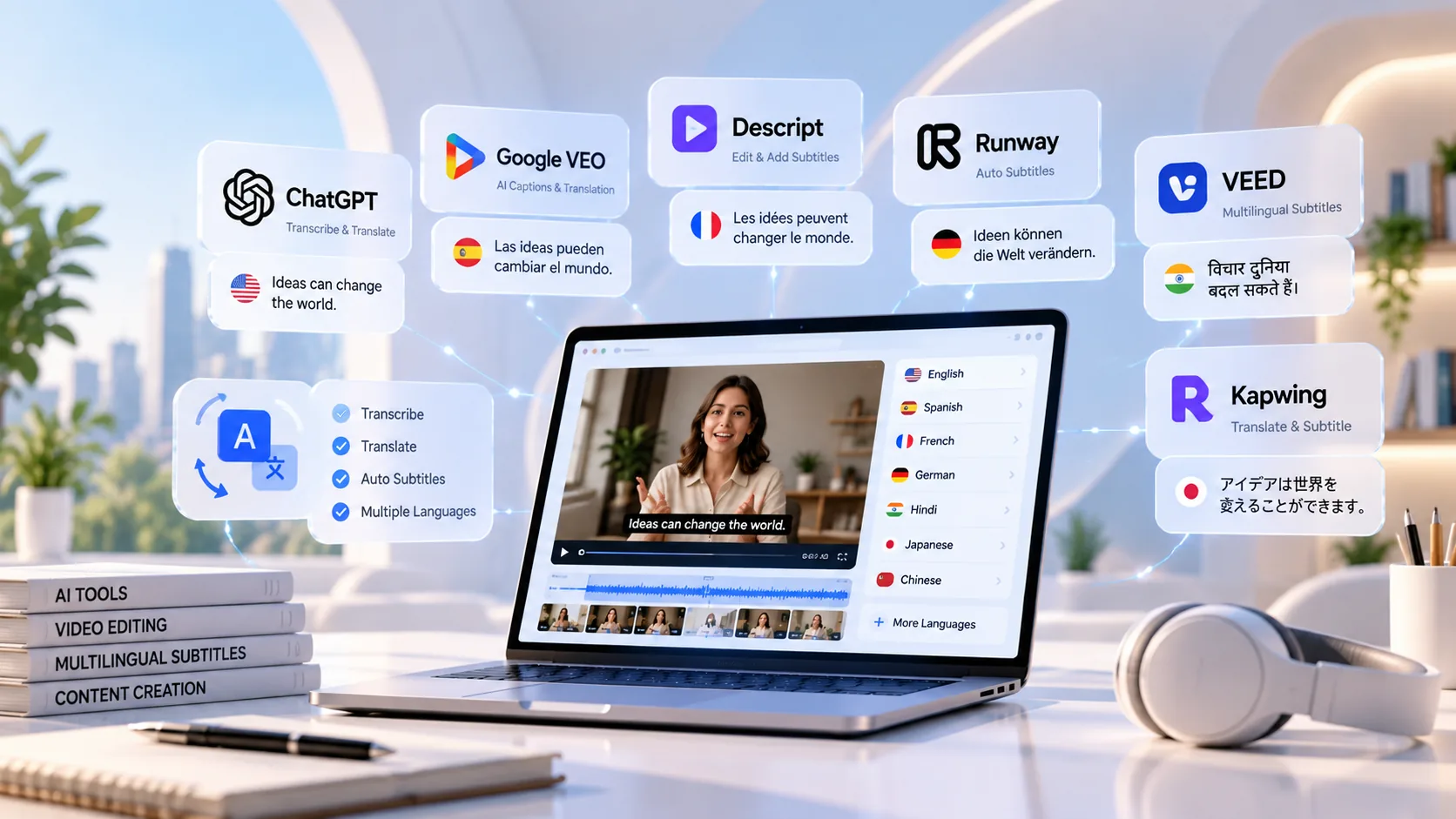
Compare the best AI subtitle generators for multilingual videos. Explore translation accuracy, speaker labels, SRT/VTT exports, editing features, and pricing considerations.
A video can be useful far beyond the language in which it was recorded—but only if viewers can understand it. Multilingual subtitles help creators reach international audiences, make training content more accessible, support global marketing campaigns, and let people watch videos in sound-sensitive environments. AI tools have made the process faster by combining speech recognition, translation, subtitle timing, and export features in one workflow.
However, not every AI subtitle generator is equally good at every stage. One tool may offer a convenient browser-based editor, while another is better for transcript review, localization teams, or exporting subtitle files for a video platform. Language coverage can also vary between transcription, translation, dubbing, and other features. This guide compares practical options and explains what to check before choosing an AI subtitle generator for multiple languages.
What to Look for in a Multilingual Subtitle Tool
Start with the complete workflow rather than a headline language count. A platform might support a language for transcription but not for translation, or support it only in certain plans. Check the exact source and target languages you need, then test the tool with real footage that includes your typical accents, background noise, specialist terms, and speaking pace.
Translation quality and review
AI translation is a first draft, not a guarantee of publication-ready wording. Look for an editor that lets you compare the original transcript with the translated subtitles and correct names, idioms, technical vocabulary, and cultural references.
Speaker labels and diarization
Speaker identification is useful for interviews, podcasts, webinars, and panel discussions. Confirm whether speaker detection is automatic, whether labels can be edited, and whether the feature works in the languages and audio conditions you use.
Subtitle timing and readability
Good subtitles are synchronized with speech and split into readable lines. Check whether you can adjust timing, line breaks, character limits, and subtitle placement without rebuilding the whole file.
SRT and VTT export
SRT is widely used for video platforms and editing workflows; WebVTT is common for web video players. If you need to deliver files to clients or upload captions separately, confirm that the required formats are included in your plan.
Pricing and usage limits
Compare minutes of transcription, AI translation credits, export restrictions, watermark rules, collaboration features, and commercial-use terms. A low starting price may not represent the cost of translating a large video library.
The Best AI Tools for Multilingual Subtitles
1. VEED — Best for an All-in-One Online Video Workflow
VEED is a strong starting point for creators and marketing teams that want to generate captions, translate subtitles, make visual edits, and prepare social-ready videos in a browser. Its workflow is convenient when subtitles are only one part of the production process. Users can work with generated subtitles and, where supported, upload existing subtitle files for translation. VEED’s documentation distinguishes supported transcription languages from supported translation languages, so check the current list for your specific language pair before committing.
Best for: social teams, marketers, and creators who want captioning and video editing together. Check before buying: AI-credit consumption, plan restrictions, target-language support, and the available export options.
2. Happy Scribe — Best for Transcript Review and Subtitle Deliverables
Happy Scribe is worth evaluating when the transcript itself matters as much as the finished video. Its workflow is built around transcription and subtitles, with editing and subtitle-file delivery options. The company describes support for a broad set of languages across its product, but availability varies by feature; do not assume that every language is available for every transcription, translation, or captioning function. Confirm the exact language pair and export format you need before uploading a large batch of content.
Best for: teams handling interviews, educational content, podcasts, and client subtitle files. Check before buying: the language-specific feature list, review workflow, export access, and pricing for your expected volume.
3. Maestra — Best for Localization Workflows and Subtitle Editing
Maestra combines transcription, subtitle translation, and related localization capabilities. Its subtitle editor includes controls for reviewing text and speaker names, adjusting subtitle presentation, and exporting files such as SRT and VTT. This makes it a useful candidate for teams that need more than an automatic caption pass and want to refine subtitles before publishing them in multiple markets.
Best for: localization workflows, multilingual content teams, and projects that need editable subtitle files. Check before buying: language availability for each feature, collaboration needs, and the limits attached to your plan.
4. Kapwing — Best for Social Video Teams
Kapwing is designed around browser-based video creation and collaboration, which can suit teams producing short-form content for multiple channels. It is useful when subtitles need to be combined with resizing, text overlays, and other social-video edits. For multilingual publishing, test both the quality of translated captions and how easily your team can correct line breaks, timing, and visual placement.
Best for: social media teams and creators who need subtitles within a broader editing workflow. Check before buying: language-pair support, export formats, watermark or resolution limits, and paid-plan requirements.
5. Descript — Best for Transcript-Based Editing
Descript’s transcript-centered approach can be helpful for interview, podcast, and talking-head content. Editing around a transcript may reduce friction when the team needs to clean up spoken content before creating captions. It is worth considering when the source video needs editing as well as subtitles, but multilingual requirements should be validated against the product’s current translation and export capabilities rather than assumed from its transcription features.
Best for: teams editing spoken-word video and audio alongside captions. Check before buying: the precise translation workflow, target-language support, and whether the required subtitle file types are available.
6. CapCut — Best for Quick Creator-Oriented Captioning
CapCut is a familiar option for creators who want to add captions while editing short videos. Its convenience can make it attractive for fast social publishing, especially when the same person edits and posts the video. Before using it for a professional multilingual workflow, test translation quality, editing controls, export behavior, and feature availability on your device and plan. Capabilities can differ across desktop, web, and mobile experiences.
Best for: creators making short-form content with a lightweight editing process. Check before buying or standardizing: supported language pairs, subtitle-file exports, platform differences, and commercial workflow requirements.
Quick Comparison
Tool | Best suited to | What to validate | Subtitle workflow |
VEED | Online video editing + subtitles | Language pair, AI credits, plan limits | Browser editor and subtitle translation |
Happy Scribe | Transcript review and deliverables | Feature-by-language coverage, exports | Transcript/subtitle-focused |
Maestra | Localization and subtitle refinement | Feature coverage, team needs, plan | Subtitle editor; SRT/VTT options |
Kapwing | Social content teams | Exports, language support, watermark limits | Subtitles within video creation |
Descript | Transcript-led editing | Translation and subtitle export details | Spoken-content editing workflow |
CapCut | Quick creator videos | Device differences, language pairs, exports | Captioning inside video editor |
Which Tool Should You Choose?
Choose VEED if your priority is to generate, translate, and style subtitles while editing the video in one place. Consider Happy Scribe when transcript accuracy and subtitle deliverables are central to the job. Maestra deserves a close look for localization-heavy work that requires speaker-name editing and subtitle-file exports. Kapwing and CapCut are practical candidates for social-first workflows, while Descript is worth testing when transcript-based editing is part of your process. These are workflow-based recommendations, not a claim that one product is universally the most accurate.
A Reliable Workflow for Publishing Subtitles in Multiple Languages
1. Prepare the source video
Use the clearest available audio, reduce avoidable background noise, and provide context for product names, acronyms, and specialist terms.
2. Correct the original transcript
Review names, numbers, punctuation, speaker changes, and terminology before translating. Errors in the source transcript often carry into every target language.
3. Translate and adapt
Generate the target-language subtitles, then review idioms, tone, regional vocabulary, and terminology. Translation should preserve meaning rather than mechanically mirror every word.
4. Check timing and readability
Watch the video with subtitles enabled. Fix early or late captions, awkward line breaks, overly long reading segments, and labels that obscure important visuals.
5. Export and test
Export the required SRT or VTT file, or burn subtitles into the video if that is the delivery requirement. Test the actual file in the destination player or platform before publishing.
Burned-In Subtitles or Separate Subtitle Files?
Burned-in subtitles are permanently rendered into the video image. They are useful when the appearance must remain consistent on social platforms or when the destination does not reliably display uploaded captions. Separate SRT or VTT files can be switched on and off, may support accessibility workflows, and are easier to revise without re-rendering the video. The right choice depends on the destination, accessibility requirements, and whether viewers should be able to select a language.
Frequently Asked Questions
What is the best AI subtitle generator for multiple languages?
There is no single best option for every workflow. VEED is a convenient all-in-one candidate, Happy Scribe suits transcript and subtitle deliverables, and Maestra is worth evaluating for localization and subtitle editing. Test your actual language pair before deciding.
Can AI automatically translate subtitles?
Many tools can generate translated subtitles, but the output should be reviewed. Accuracy depends on audio quality, the source transcript, language pair, subject matter, and the tool’s current feature set.
Do these tools support SRT and VTT?
Some do, including Maestra’s documented subtitle workflow. Export availability may vary by product and plan, so confirm the required format on the current pricing and help pages.
Can AI identify different speakers?
Some tools provide speaker detection or editable speaker labels, but accuracy is not guaranteed—especially when people interrupt each other, speak over one another, or sound similar. Review labels manually.
Can I create subtitles in Hindi or Gujarati?
Language support changes and can differ between transcription and translation. VEED’s current language documentation lists Hindi and Gujarati for both functions, but verify the current list and test your own content before production.
Should I publish translated subtitles without review?
For low-risk internal drafts, automated output may be a useful starting point. For customer-facing, educational, legal, medical, or brand-sensitive content, arrange a fluent-language review before publication.
Conclusion
The best multilingual subtitle workflow is not simply the one that generates captions fastest. It is the one that gives your team enough language coverage, editing control, speaker handling, timing accuracy, and export flexibility to publish reliably. Shortlist two or three tools, run the same representative clip through each, and compare the amount of correction required—not just the first automated result. This small test will reveal whether a platform can handle your real content and scale across the languages you need.
Read More Reference Posts:
10 Best AI Tools for Turning Podcasts Into LinkedIn Posts
11 Best AI Tools for Turning Webinars Into Social Media Content in 2026
Comments (0)
No comments yet. Be the first to share your thoughts!